


A pair of headphones costs $180 in October. A few weeks later, you see the same headphones advertised for $175, with a bright red label announcing 40% off. According to the store, the original price was $290.
You might think you’re saving $115. In reality, you’re paying just $5 less than you would have paid in October. The headphones are cheaper, but the advertised discount makes the deal look far more impressive than it is.
Checking price history takes only a few minutes, and there are free tools that do most of the work. Here’s how to use them before spending money on Black Friday.
Start With the Price the Product Usually Sells For
The first thing to ignore is the crossed-out price. A retailer might advertise a jacket for $80 with an original price of $160, but that doesn’t tell you how much customers were paying for it last month.
What you need is a record of previous selling prices, ideally covering several months.
- The current sale price: What you’ll pay today.
- The usual selling price: What the product cost during the weeks before the promotion.
- The lowest recorded price: The cheapest price the tracker has recorded during the period you’re checking.
A product reduced to its lowest price in months deserves a closer look. However, a discount calculated against an old or unusually high reference price tells you very little about the savings.
For example, a $150 appliance advertised as 50% off a $300 reference price might have sold for $160 throughout September and October. You’re saving $10 compared with its recent selling price, which is 6.25%, rather than 50%.
How to Check Amazon Price History
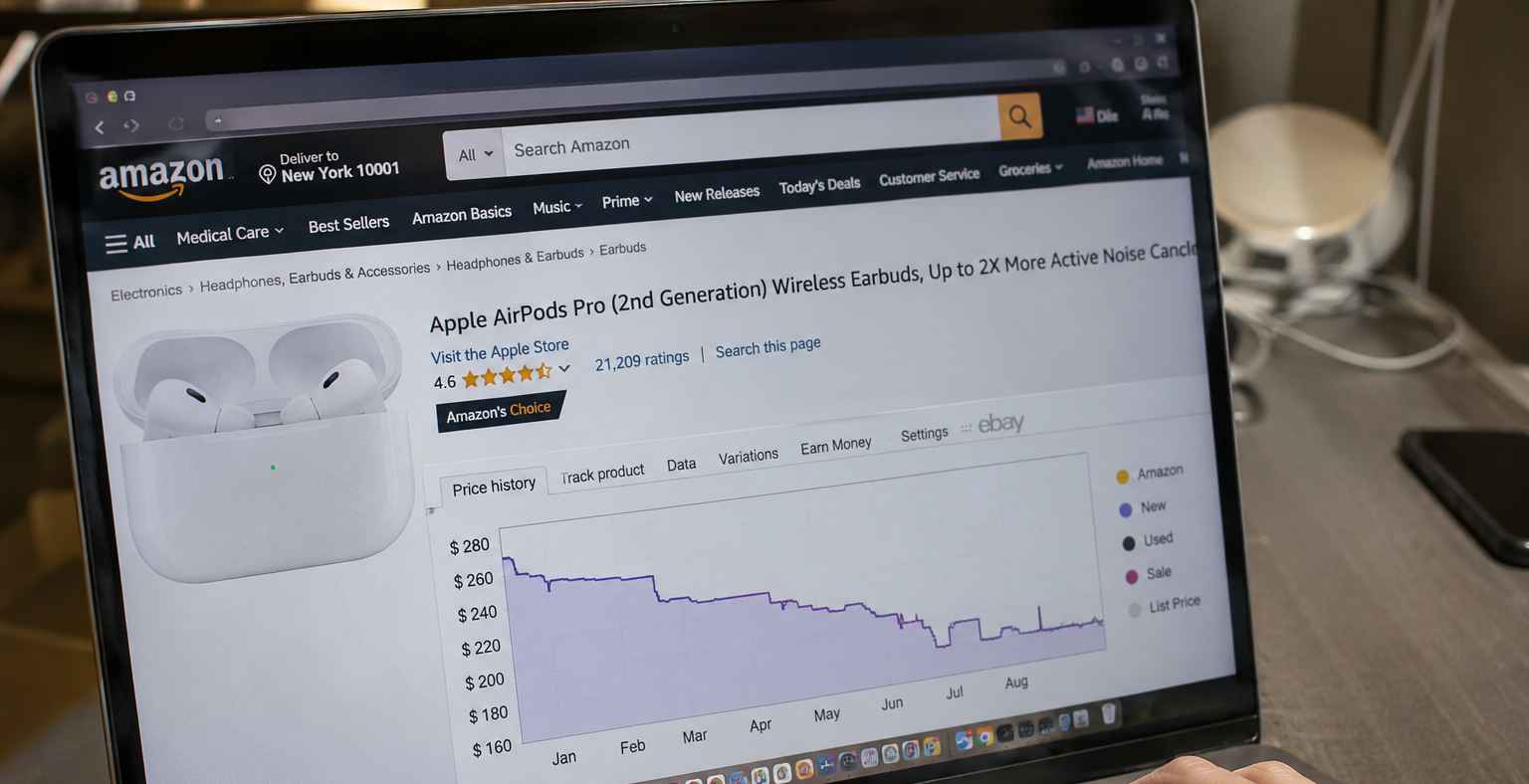
Amazon is one of the easiest places to investigate because several established tools record product prices over time.
Use Keepa
Keepa shows historical Amazon prices through charts. You can visit its website or install its browser extension to view a chart directly on supported Amazon product pages.
Open the product you’re considering, find its price history, and look at the previous three months. Expand the chart to a year if you want to see earlier holiday discounts.
Look for the line showing the price charged by the seller you’re considering. Amazon’s own price and third-party seller prices aren’t necessarily the same.
If a television has spent most of the year between $450 and $500 and suddenly drops to $360, the reduction is worth investigating. If it has sold for $360 several times already, you know the Black Friday offer isn’t especially unusual.
Keepa also supports price alerts, so you can set a target amount instead of checking the same product every day.
Try CamelCamelCamel
CamelCamelCamel is another free Amazon price tracker. Copy the Amazon product link, paste it into the search field, and open the price history chart.
You’ll see recorded price changes and can examine different time periods. The service also offers email alerts when a product reaches your chosen price.
Historical data isn’t guaranteed for every listing, and price trackers can miss short promotions or checkout coupons. Confirm the actual price on the retailer’s website before buying.
For Brooklyn shoppers, learning how Amazon fulfillment centers in Brooklyn operate can also provide insight into local order fulfillment and delivery.
Check Price History on Other Shopping Websites
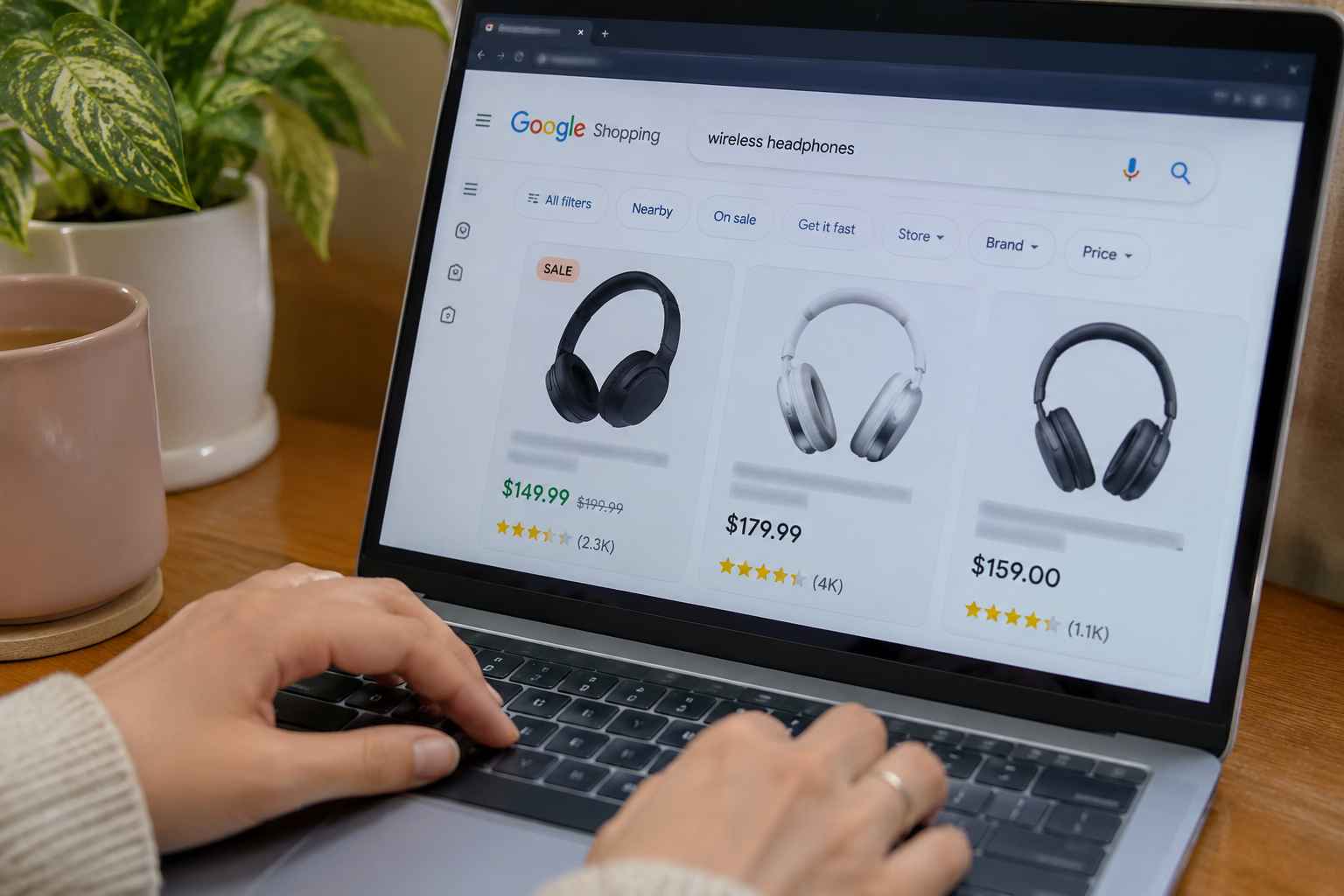
Amazon isn’t the only place where you can investigate previous prices.
Google Shopping provides price information for many products sold by different retailers. In the United States, its Price Insights feature can show recent price trends and indicate if a product is currently priced lower or higher than usual.
Open Google Shopping, search for the exact product, and select its listing. Look for the price insights section if it’s available.
Google Chrome also offers Shopping Insights in supported countries. When the feature is available for a product, an icon in the address bar opens information about its price history and prices offered by other sellers.
Not every product has enough historical information to produce a useful chart. Availability also depends on your country, device, and browser settings.
If you can’t find a history for a particular store, search for the same product at competing retailers. Even without a chart, current prices elsewhere help you judge the advertised offer.
If you’re shopping locally, our Brooklyn shopping guide can help you explore additional stores and compare in-store offers with online deals.
Look for Price Increases Before Black Friday
A sudden price increase before a sale deserves attention.
Imagine a coffee machine with the following price history.
| Period | Recorded Price |
| September | $120 |
| October | $125 |
| Early November | $170 |
| Black Friday | $119 |
Illustrative example, not the history of an actual product.
Using $170 as the reference price produces a discount of 30%. Yet the Black Friday price is almost identical to the September price.
It doesn’t automatically prove that the retailer deliberately inflated the price. There may be other explanations for a price change, including promotions ending or a different seller taking over the listing.
Still, the comparison tells you that $119 isn’t an extraordinary bargain.
The Federal Trade Commission’s guides on former price comparisons explain why advertised reference prices should represent genuine previous prices rather than artificial figures used to create misleading discounts.
When examining a price chart, look at how long the product stayed at each price. A high price that appeared briefly is less useful for judging savings than a price maintained for several weeks.
Putting the Checks to Work on Auto Parts Deals
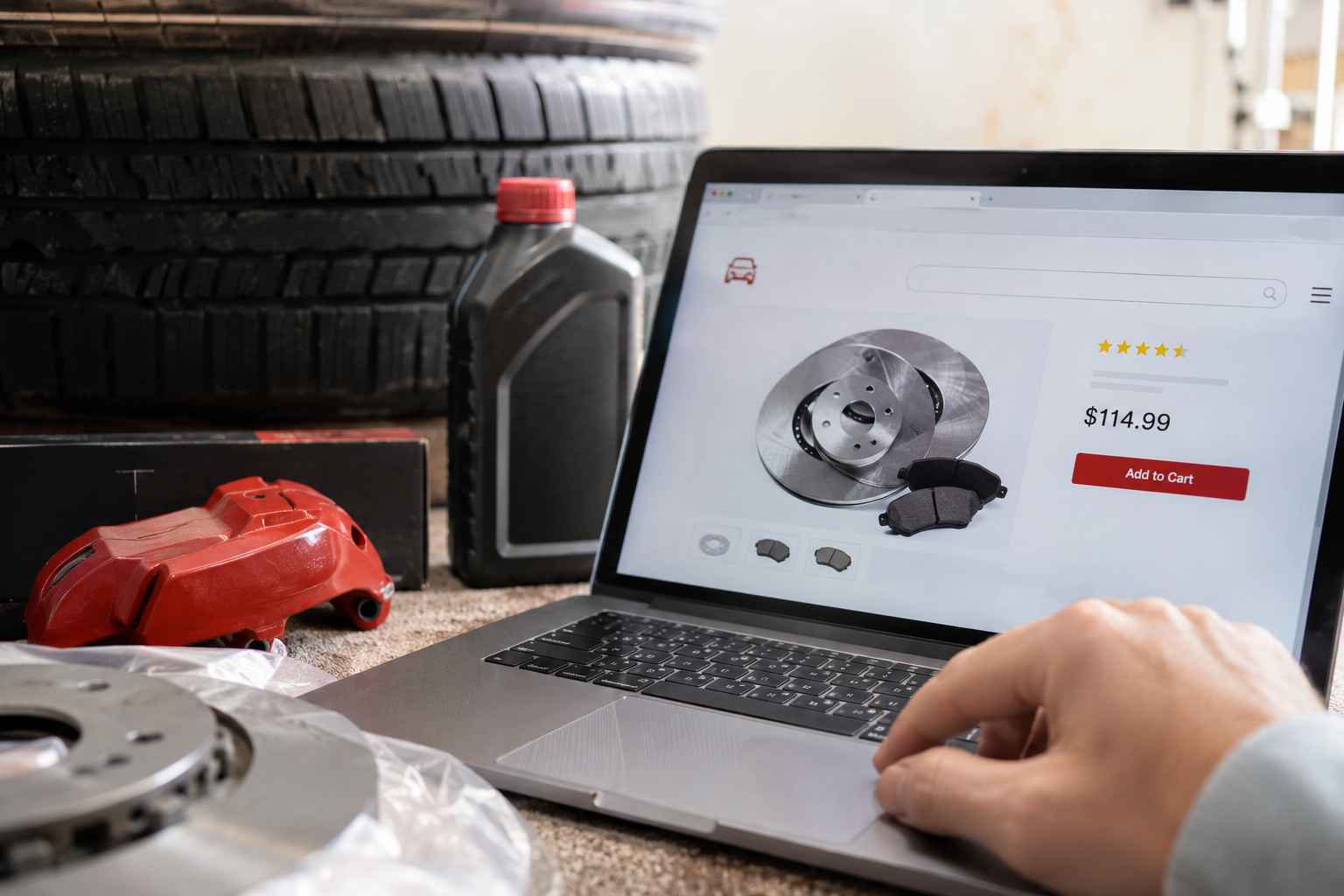
Auto parts are a useful illustration of why these checks matter, because they decide whether a promotion is worth your money. Car batteries, brake pads, engine oil, wiper blades, dash cams, and tool kits all appear in seasonal promotions, and because Black Friday sales may be real bargains in some cases and inflated discounts in others, it pays to verify each offer before it reaches your basket.
With the already high costs of owning a car in NYC, seasonal discounts on replacement parts can help reduce vehicle maintenance expenses.
Here’s how the earlier talking points apply when you’re shopping for your vehicle.
Confirm fitment first. A cheap part is no bargain if it doesn’t fit. Check the exact part number against your vehicle’s make, model, year, and engine, and use the retailer’s vehicle lookup where one is offered. This is the auto-parts version of checking a product’s exact model number, which the next section covers.
Compare the usual price, not the crossed-out one. Suppose a battery is advertised at 240,downfrom”400.” If it sold for $250 in October, the real saving is $10, not $160. Record the price of the parts you need for a few weeks, or set a price alert if the retailer or a tracking tool supports it, so you know what normal looks like.
Compare like with like. Parts that look similar can differ in important ways.
- Genuine (OE) parts versus aftermarket alternatives, and the quality tier within each
- Warranty length, which varies widely on batteries, brakes, and electrical parts
- What’s in the box, such as a single brake pad versus a full axle set, or a kit with or without hardware
- Battery specifications such as capacity and cold-cranking amps, and the manufacture date on the label
Add up the full cost. Heavy or bulky items such as batteries, brake rotors, and oil drums can carry delivery charges. Some products also include a core charge or deposit for returning the old part, and fitting costs can add to the total if you don’t install the part yourself.
Check the return policy. Parts that were ordered for the wrong vehicle, or electrical items that have been installed, may be treated differently from unopened goods. Read the terms before buying, especially on clearance stock.
A short checklist before you buy any part during a sale: confirm the part number fits your vehicle, compare the price with its recent selling price, check the warranty, and calculate the total including delivery and fitting.
Make Sure You’re Comparing the Exact Same Product
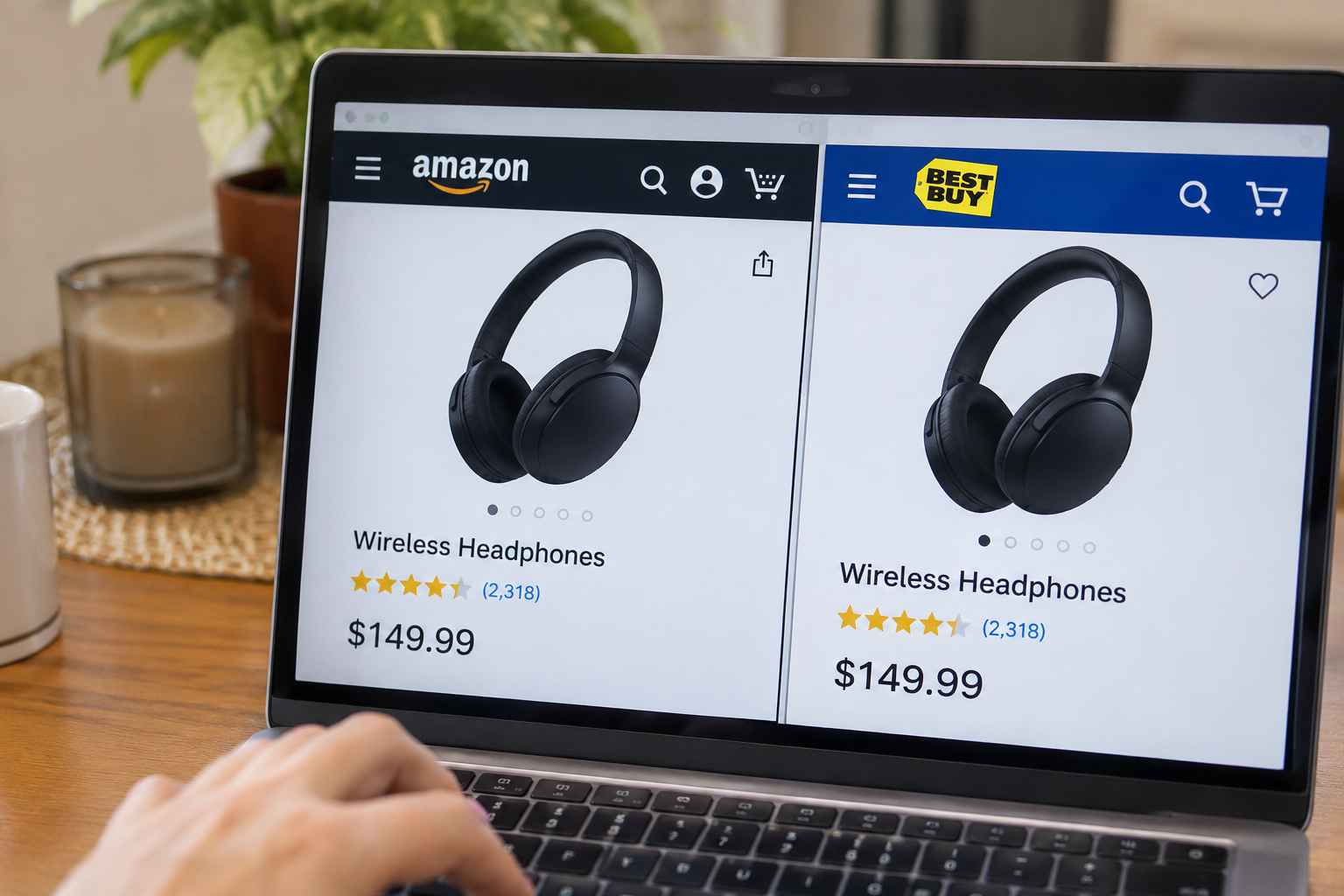
Retailers sometimes advertise products that look almost identical but have different specifications.
A laptop might have the same brand name and screen size as another model, yet contain less memory or an older processor. A television might belong to the same product family but use a different panel.
Check the full model number before comparing prices. Search for the manufacturer’s exact product code rather than only the product name.
- Storage capacity, size, color, or other product variations
- New, refurbished, or open-box condition
- Included accessories and warranty coverage
- The seller responsible for the listing
- Pack size or quantity for household products
Retailer-exclusive model numbers can make comparisons harder. If the codes differ, inspect the official specifications before treating the products as equivalents.
Calculate the Final Price Before Calling It a Deal
A product advertised for $99 might cost considerably more by the time you reach checkout.
Shipping charges, taxes, membership requirements, and other conditions can change the total. A lower sticker price doesn’t always produce the lowest final bill.
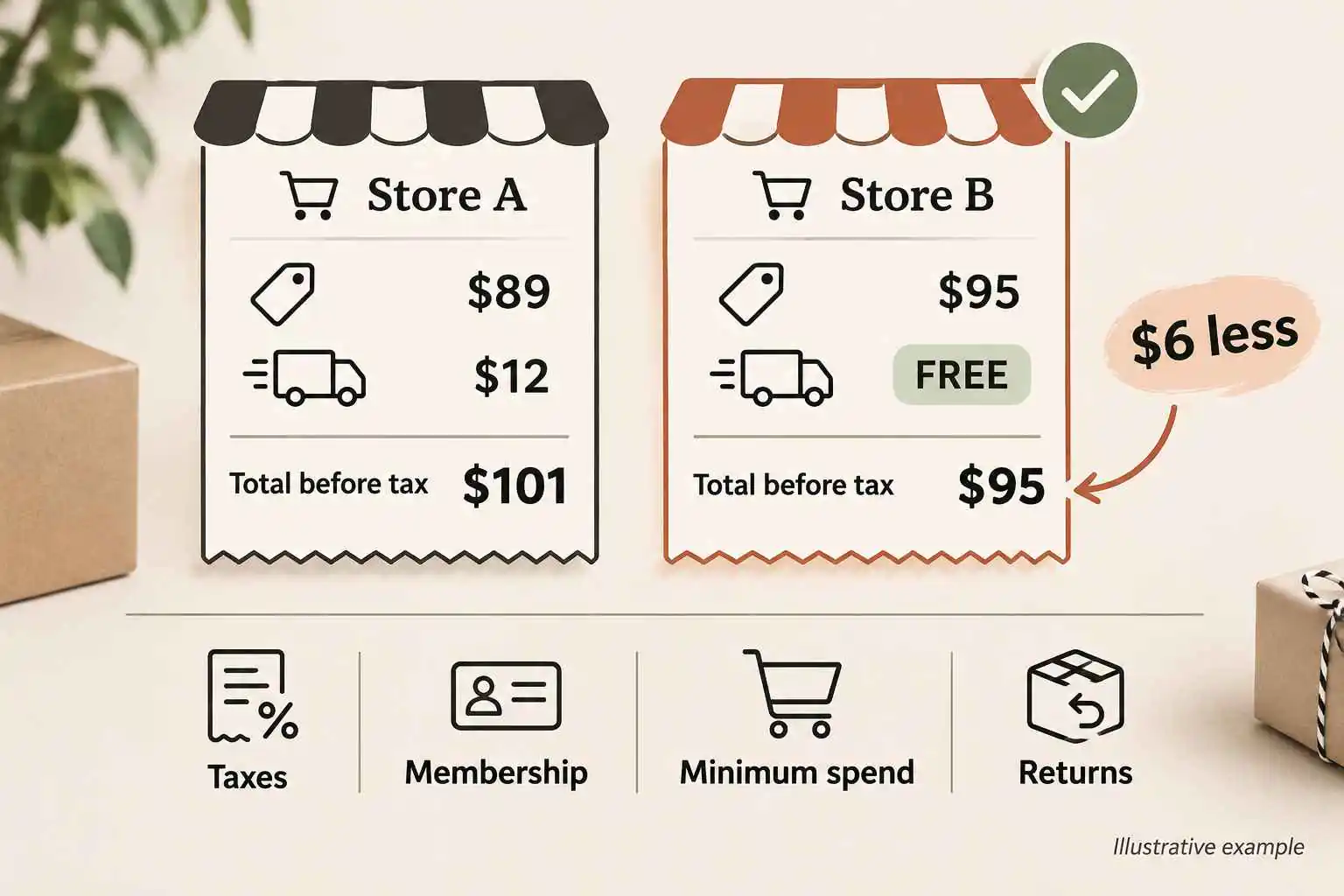
Consider two hypothetical offers for the same item.
| Expense | Store A | Store B |
| Product price | $89 | $95 |
| Shipping | $12 | Free |
| Total before tax | $101 | $95 |
Store B is cheaper despite advertising a higher product price.
Check if a discount requires a paid membership or applies only after reaching a minimum spending amount. Buying an unnecessary item to qualify for free delivery can wipe out the savings.
Return policies deserve a quick look, too. The FTC’s online shopping advice recommends checking shipping charges, seller details, and return conditions before purchasing.
Black Friday clearance products may have different return conditions than regularly priced items. Read those terms before buying expensive electronics or gifts.
What if You Can’t Find Any Price History?
New products and listings from smaller retailers don’t always appear in tracking databases.
Start by searching for the exact model number at several stores. Compare the current prices and check if the manufacturer lists an official retail price.
If you’re researching ahead of Black Friday, save the product link and record its price in a simple spreadsheet. Include the date, store, and any shipping charges.
A screenshot can also help, especially when a store changes the design of its product page or removes an old promotion.
When a discount appears, you’ll have a previous price to compare against. A month of records isn’t as useful as a full year of historical data, but it’s considerably better than trusting the advertised percentage alone.
Decide What Price You’re Actually Willing to Pay
Price history is most useful when you already know what you want to buy.
Suppose you’ve been looking at a particular pair of headphones for several weeks. The usual price is $180, and you’ve decided that $140 would be a worthwhile purchase.
Set a price alert at $140 and wait. If Black Friday brings the price down to $135, you’ve reached your target. If it stays at $175 despite an enormous discount badge, you have little reason to rush.
Remember that historical lows aren’t guaranteed to return. A price tracker records what happened previously, not what retailers will charge next month.
Before checking out, compare the current price with the usual price over the previous few months, confirm the model number, and calculate the full cost. You’ll know exactly what you’re paying and how much the promotion is actually saving you.